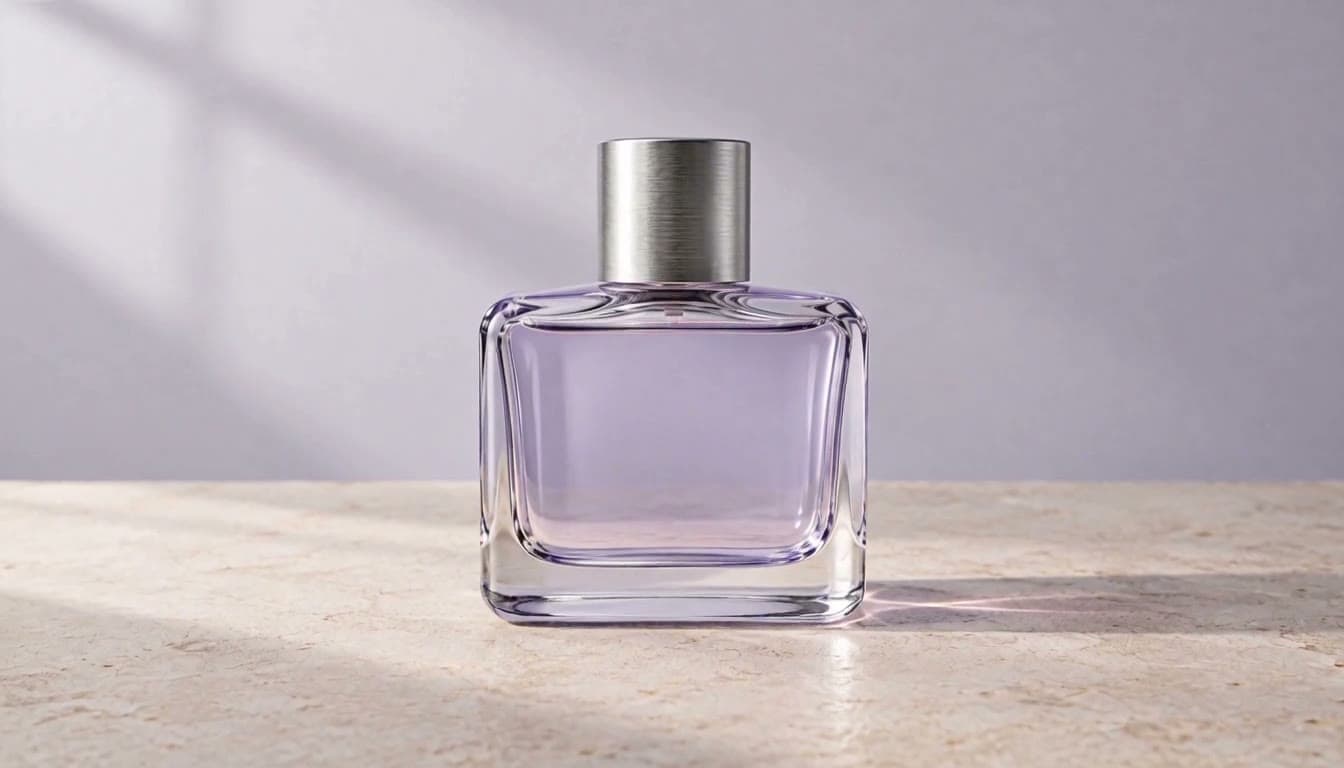
Create AI Videos & Images with the World’s Best AI Models
Turn text prompts and reference images into high-quality visuals using powerful AI video and image models—all in one place
Quick create
Loading generator…
Model library
What's new
Every model below opens in the same ZMS AI workspace. Start from a text prompt, a first frame, or a reference image, and keep every result in one shared library.
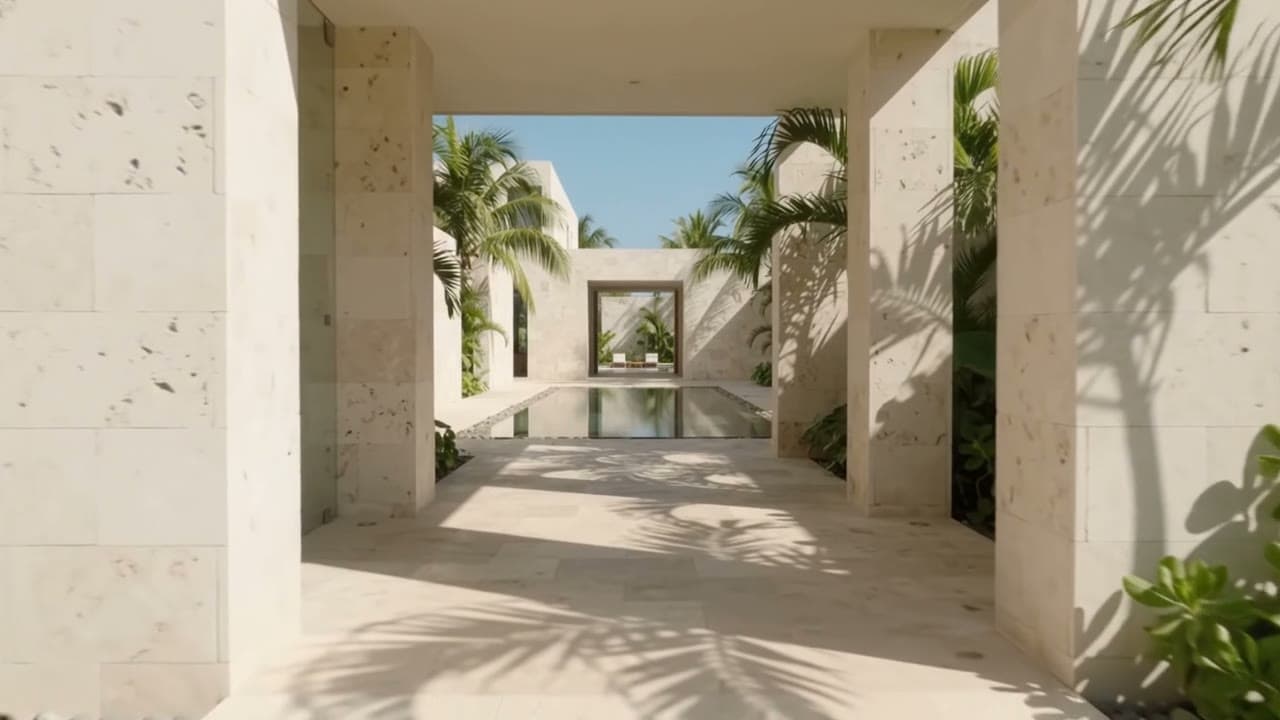
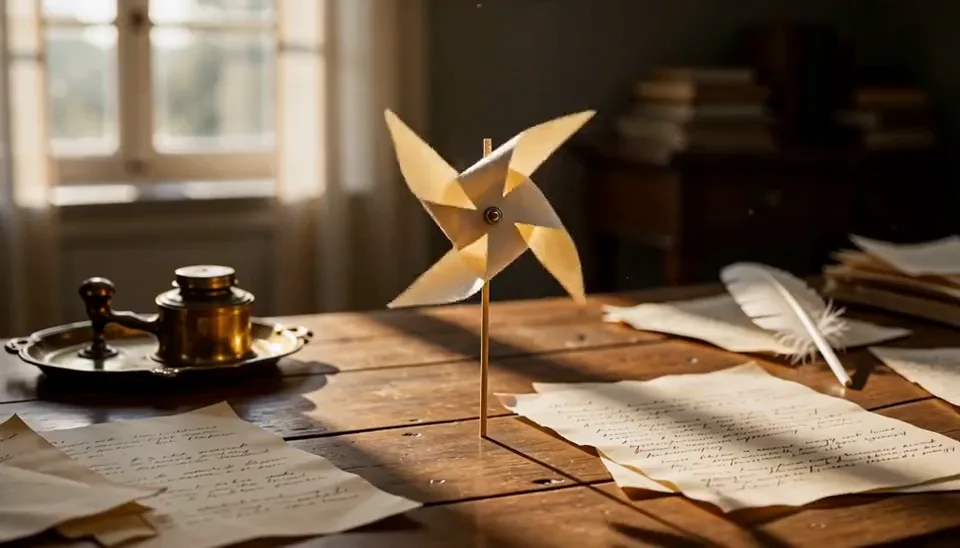
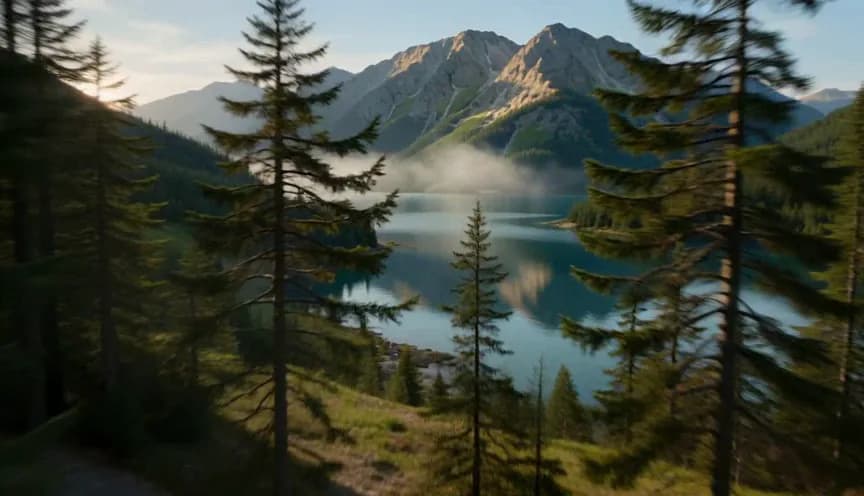
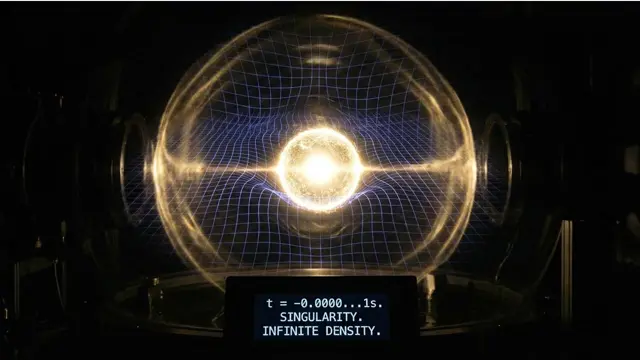
 GPT Image 2Generate and edit stills from a prompt.
 Nano BananaRefine images with prompt-led direction.
One studio, every workflow
Infinite stories.
Move from prompt to image, from image to motion, and from isolated experiments to a connected body of work.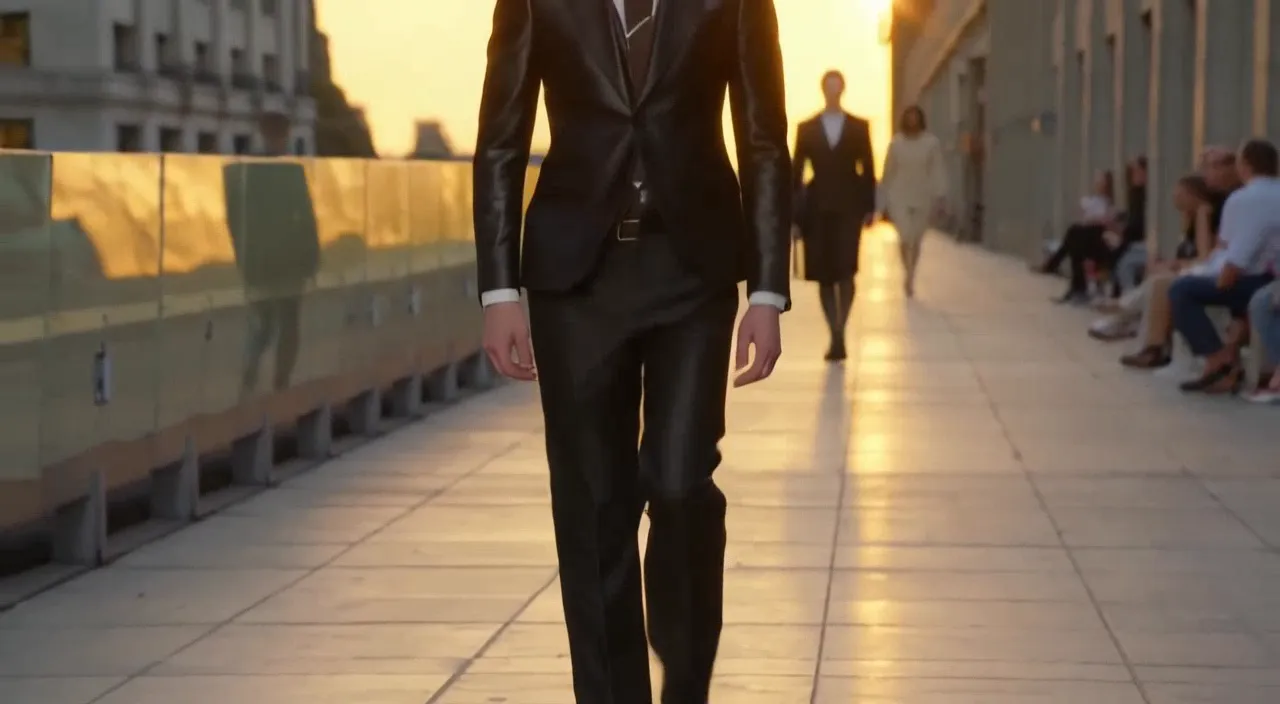
Video
Create cinematic videos from text or images
Begin with a written idea or a single image, then shape it into a polished sequence with deliberate motion and camera direction.Open video workspaceVideo showcase
Explore AI work
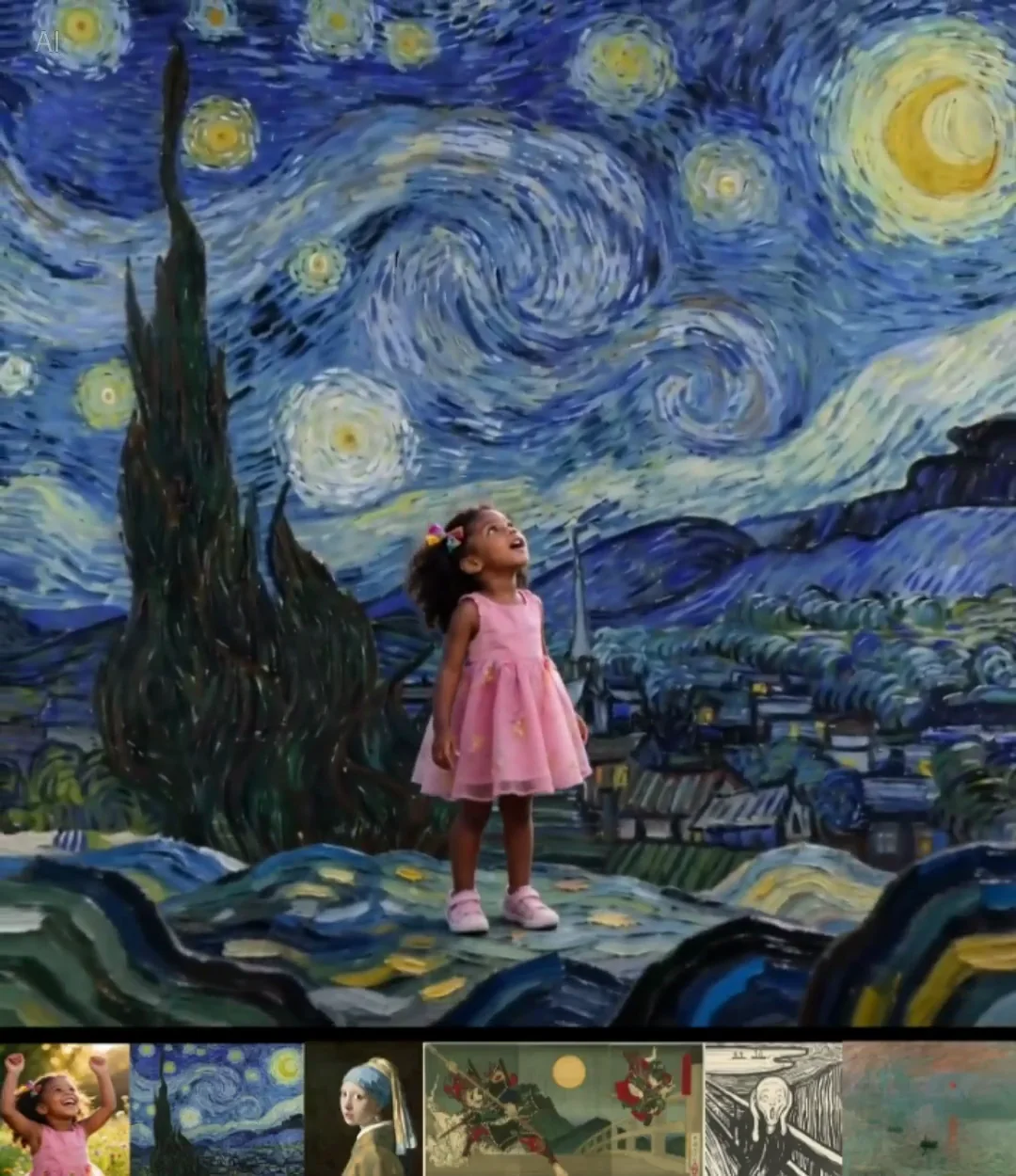
See how visual direction changes across products, scenes, people, and motion.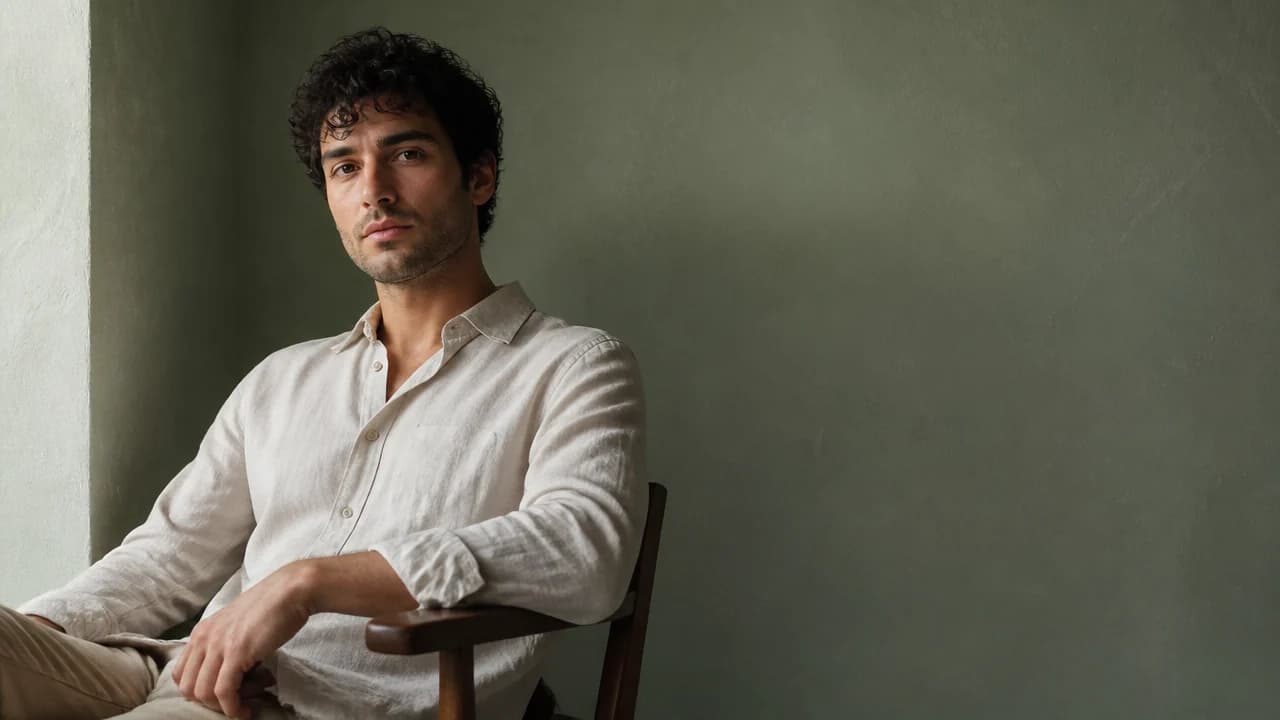
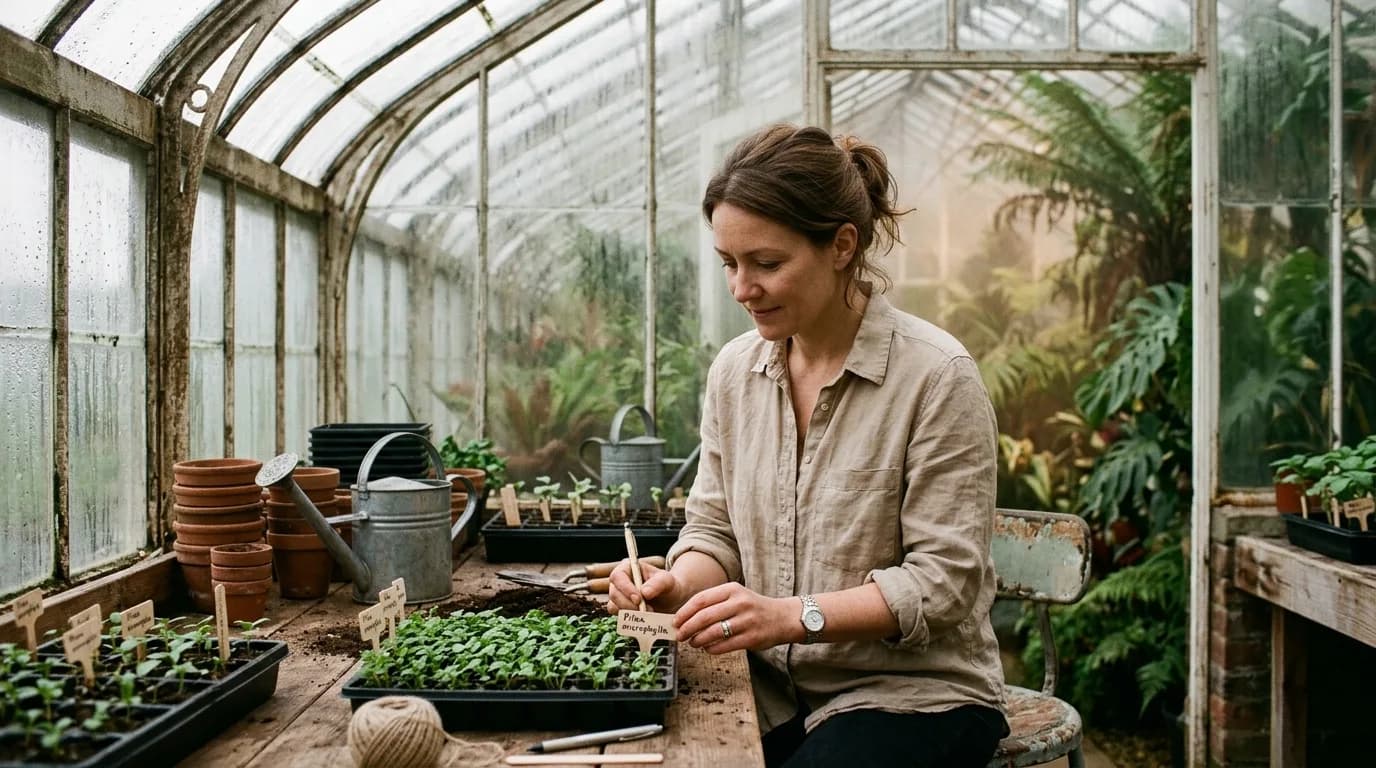
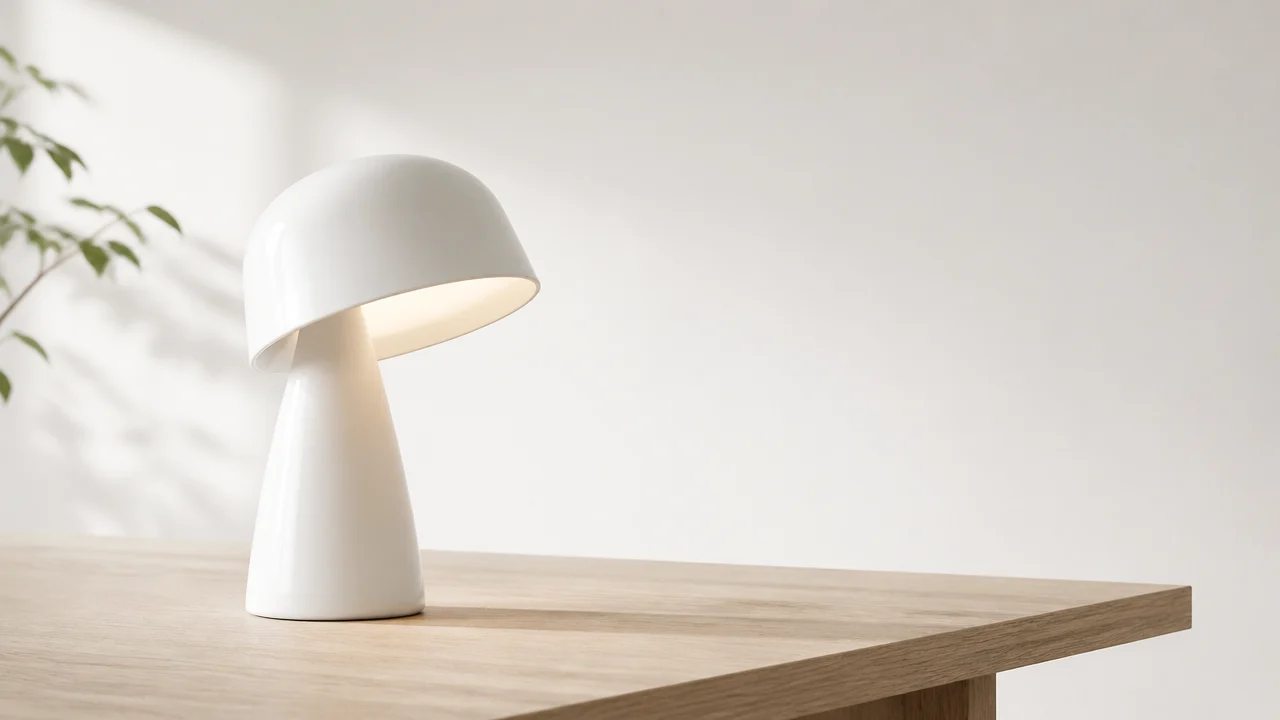
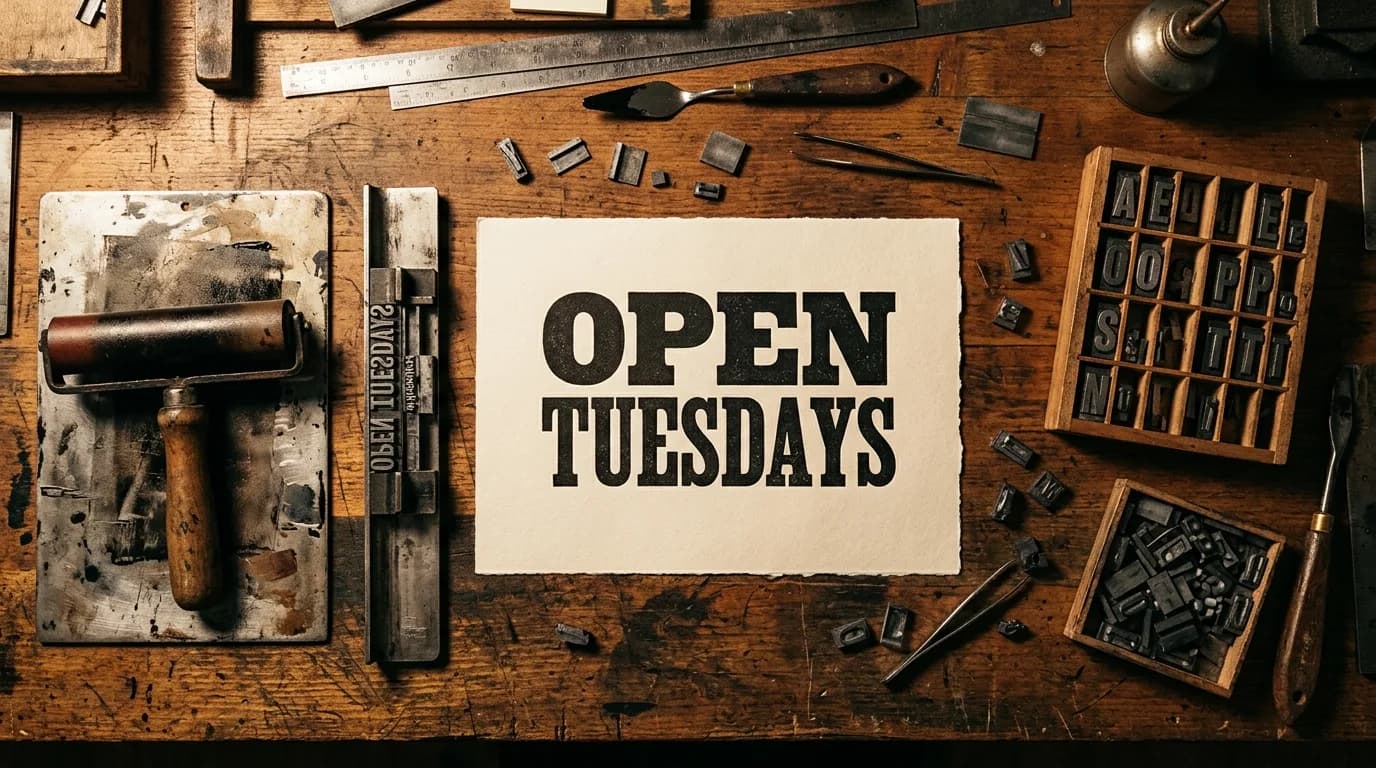
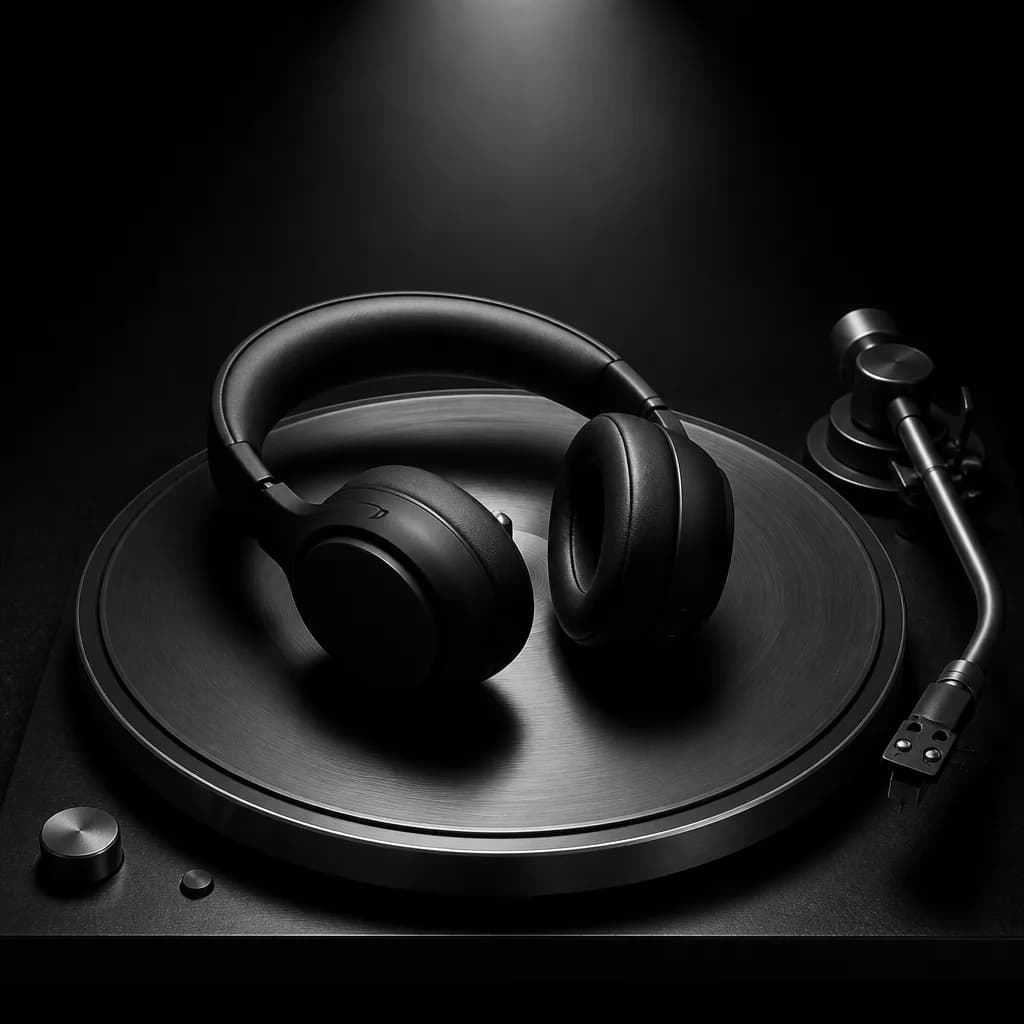
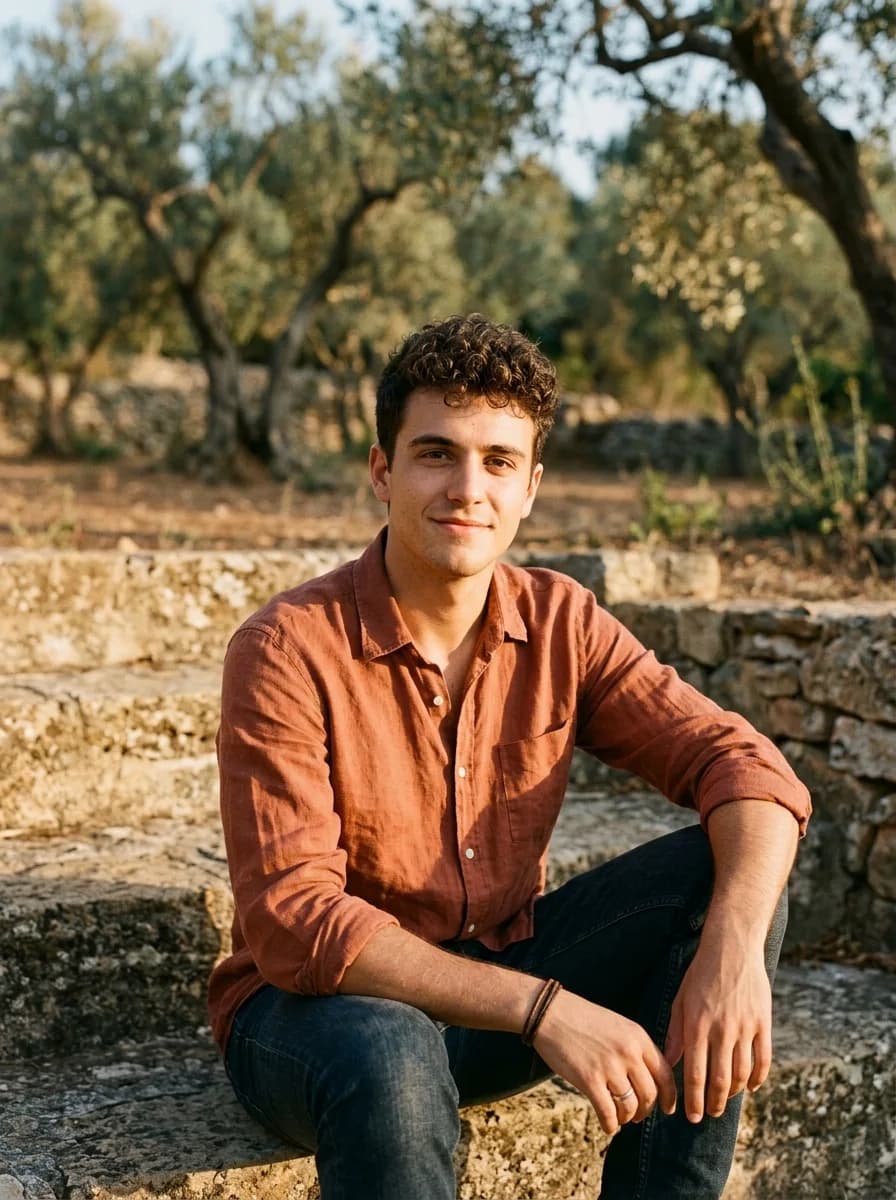
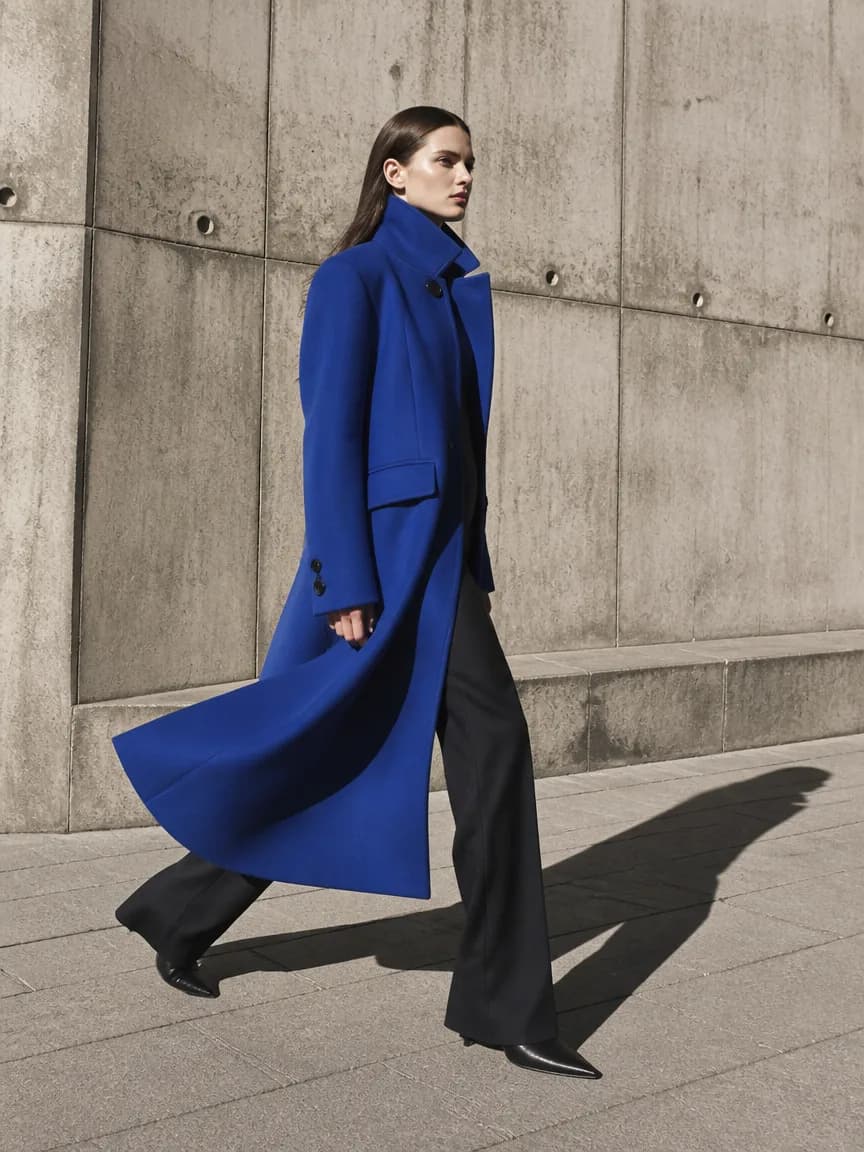
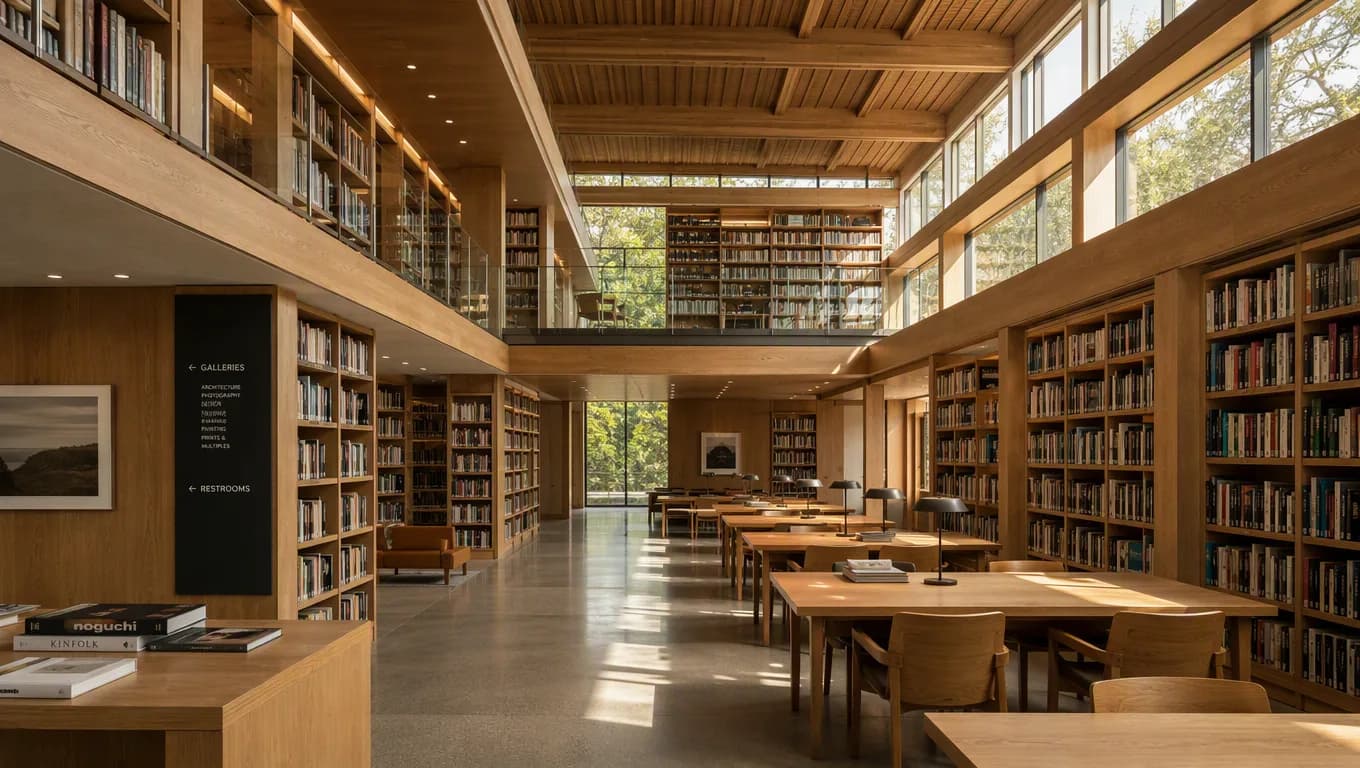

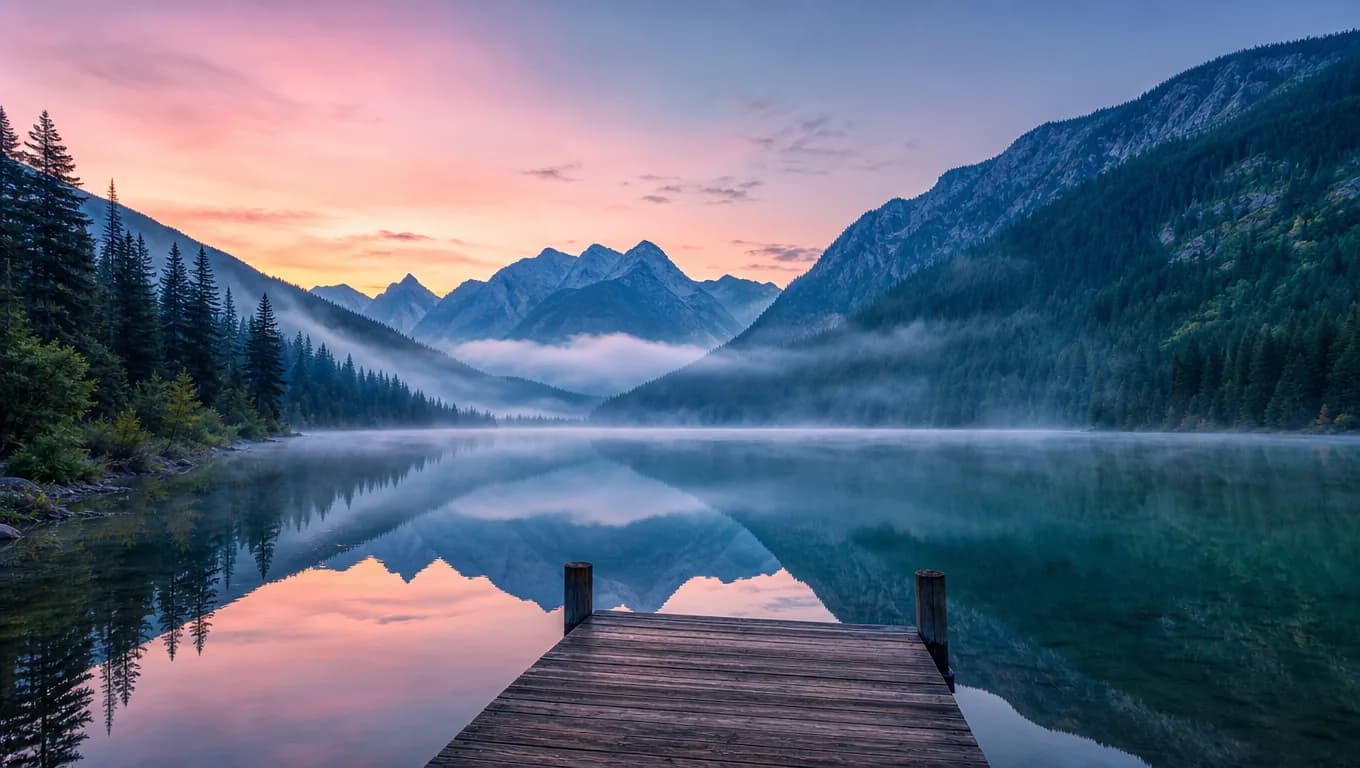
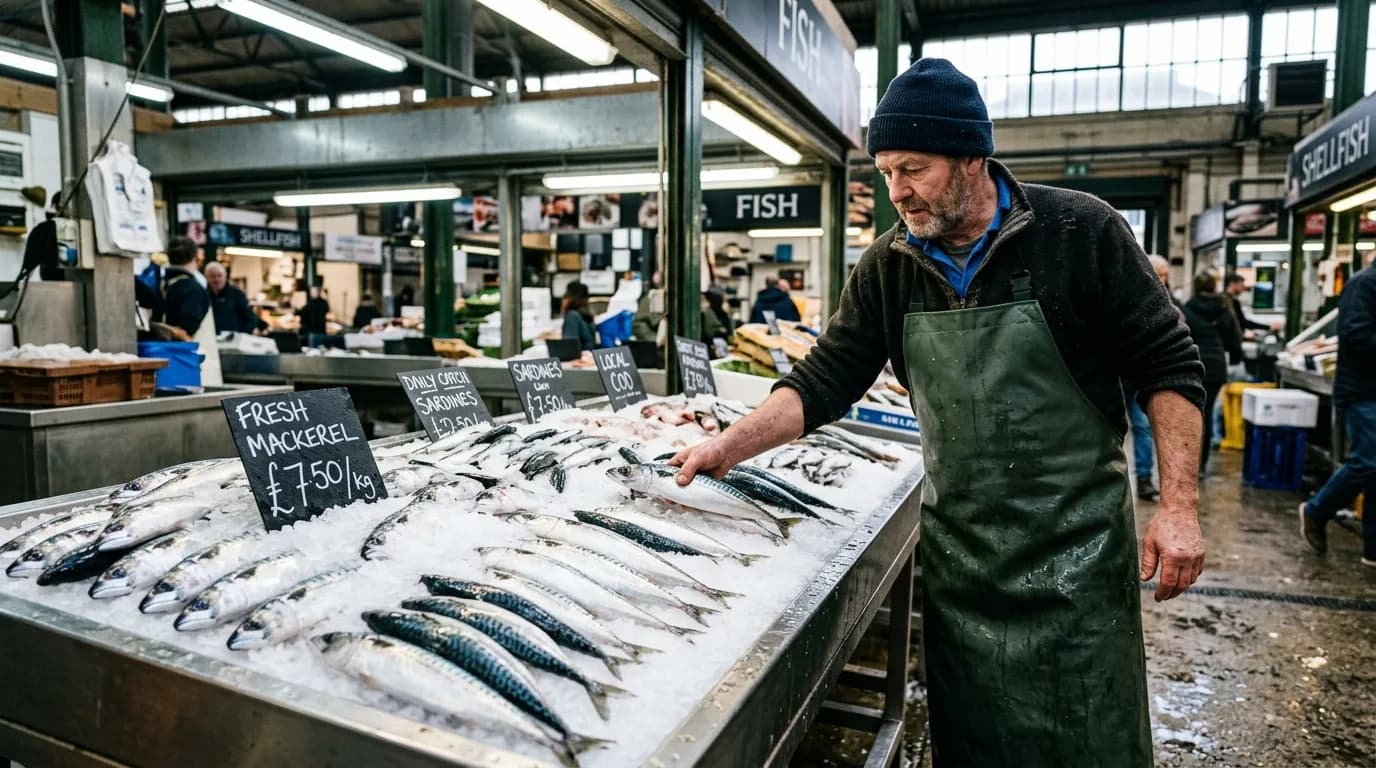
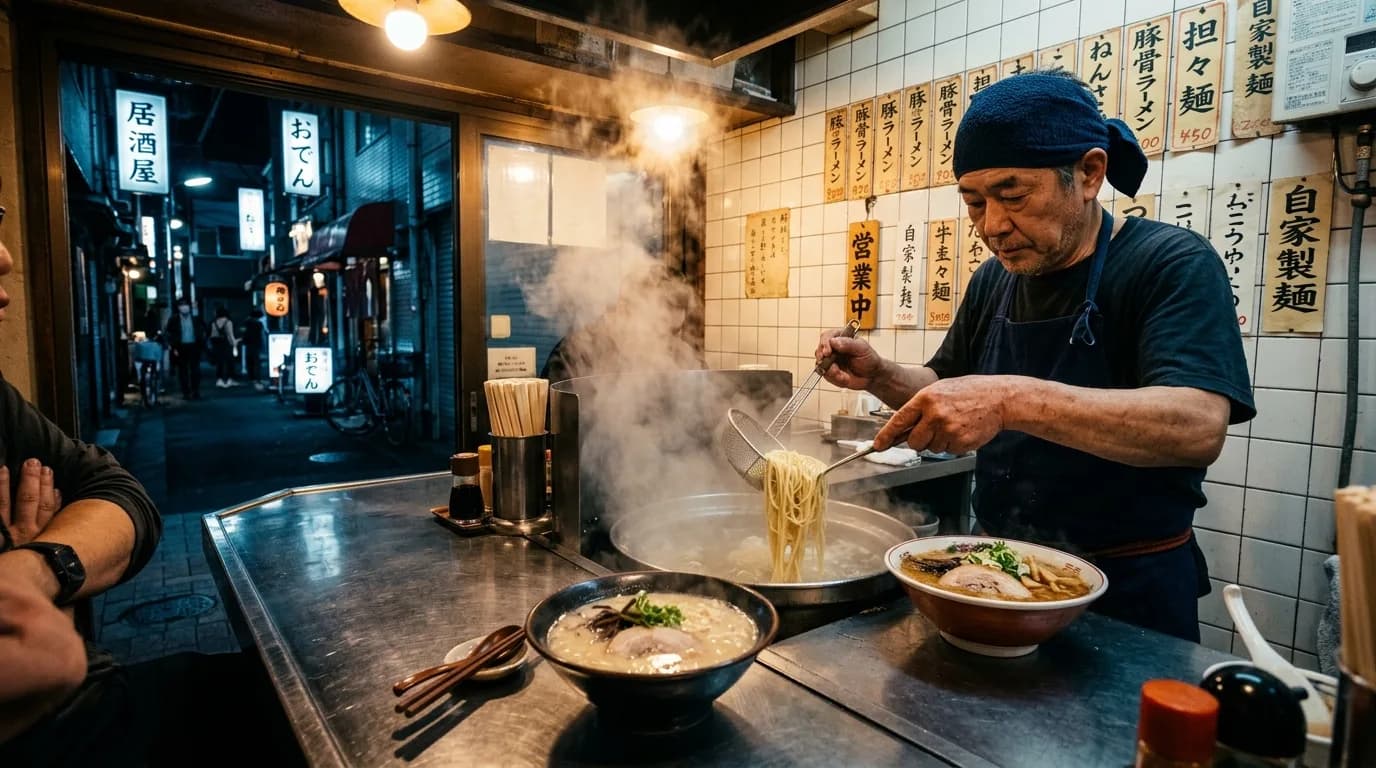
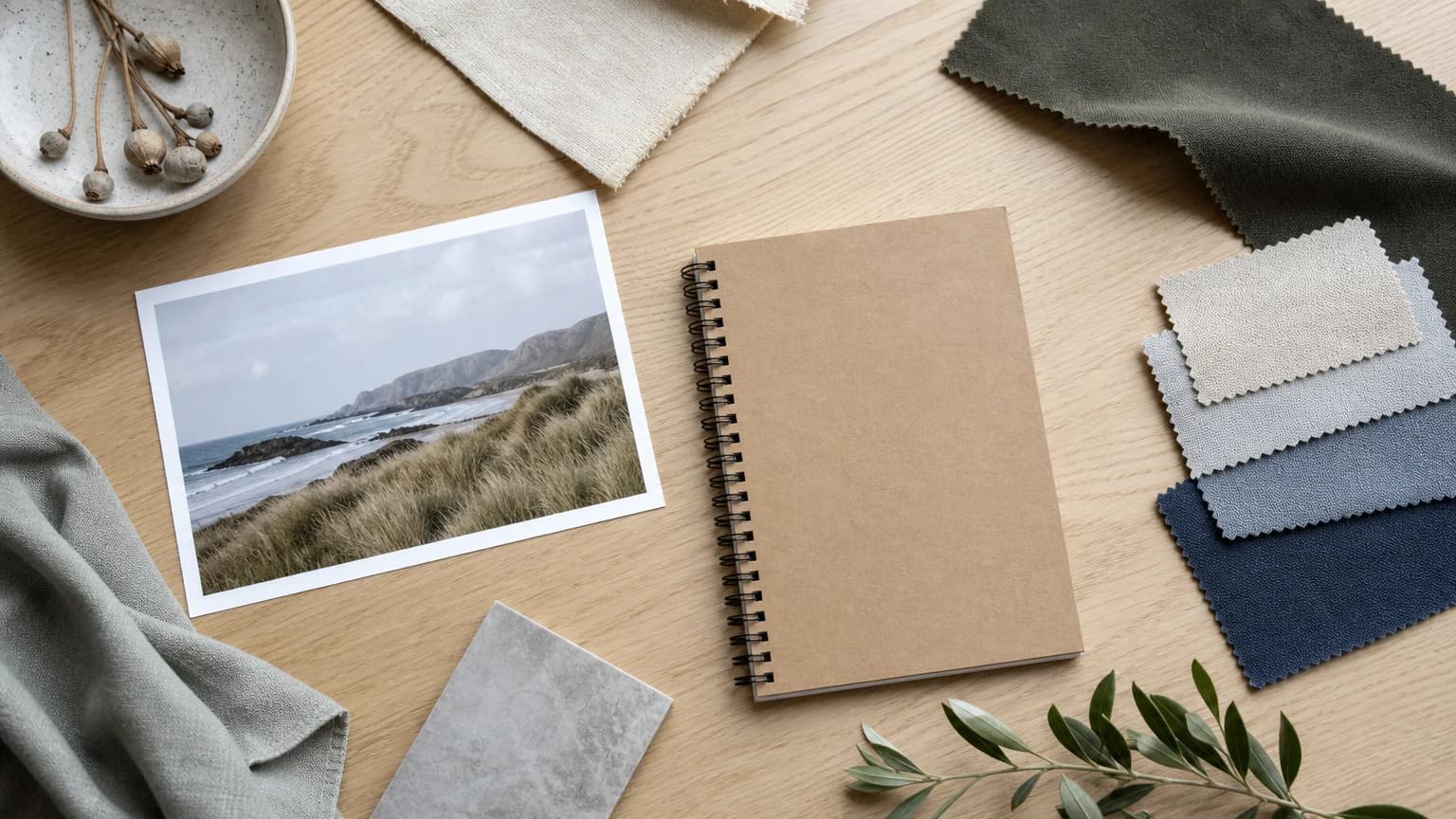
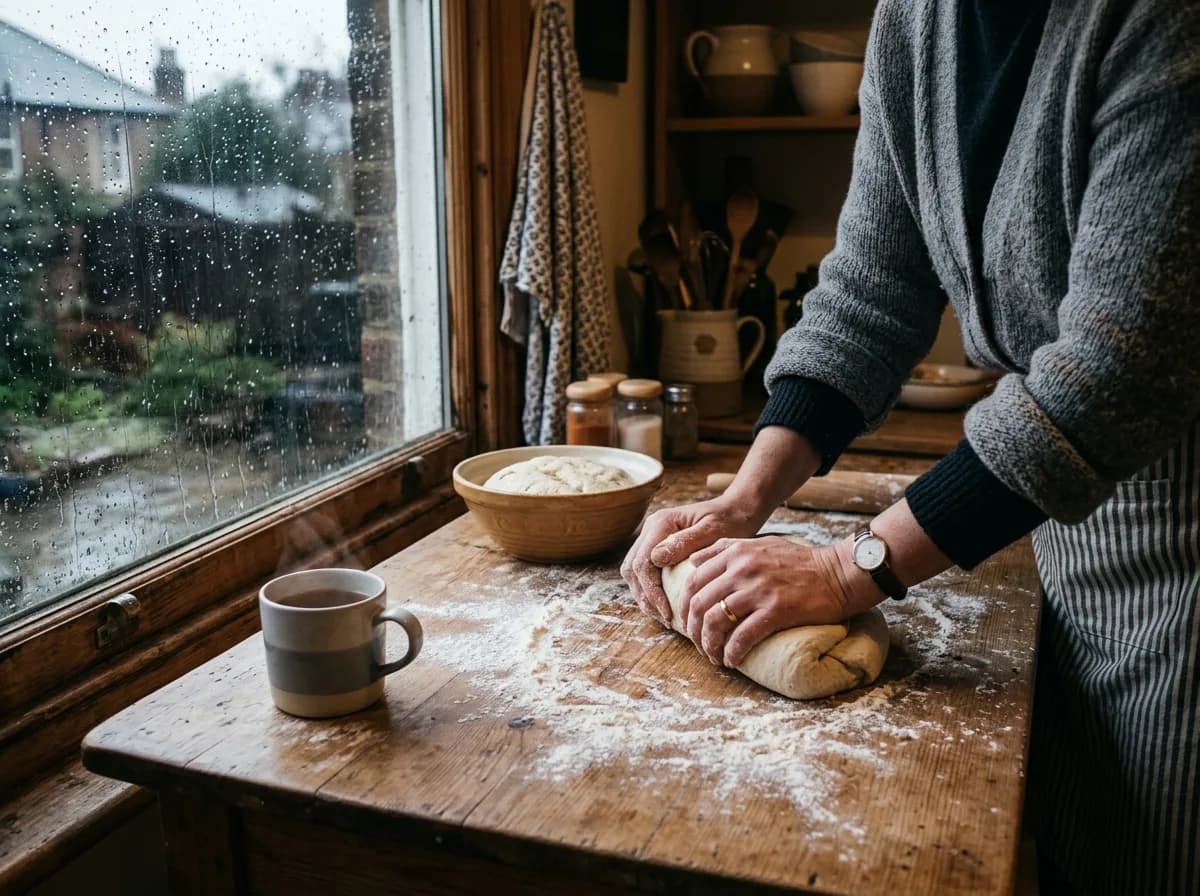
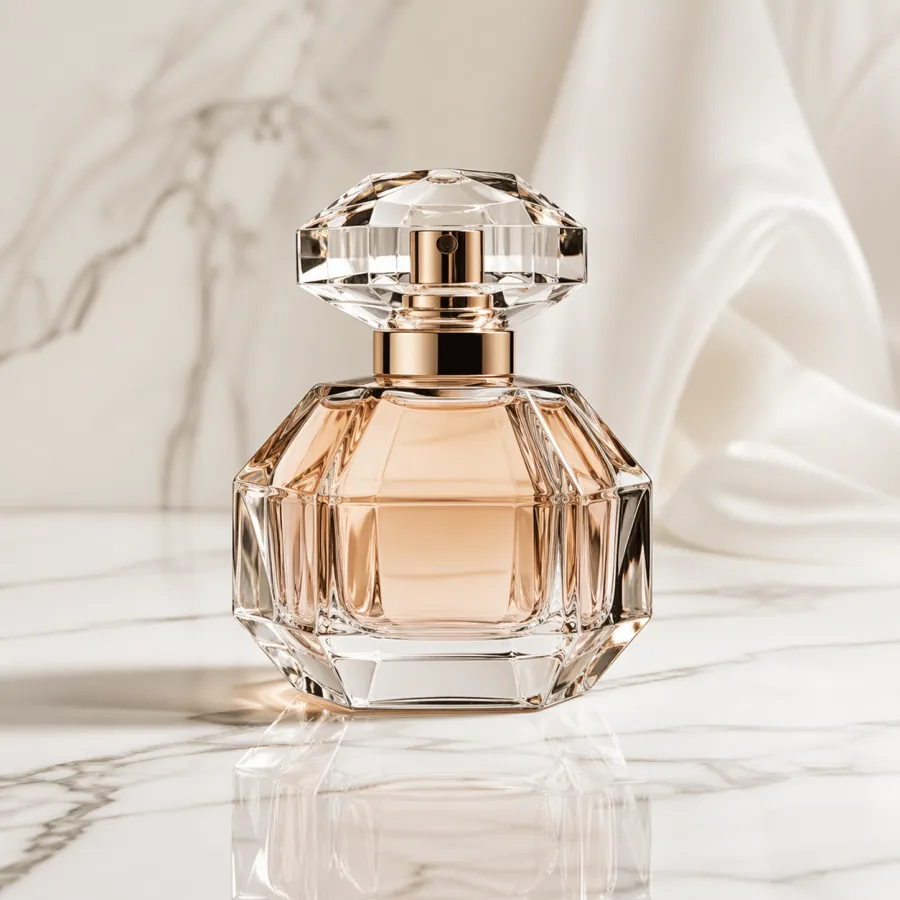
Create More with ZMS AI
One platform for AI video and image generation. Access multiple AI models, explore different creative styles, and turn your ideas into content faster.Models
Multiple AI Models
Access multiple leading AI models in one place. Choose the right model for every creative task without switching between different platforms.Explore models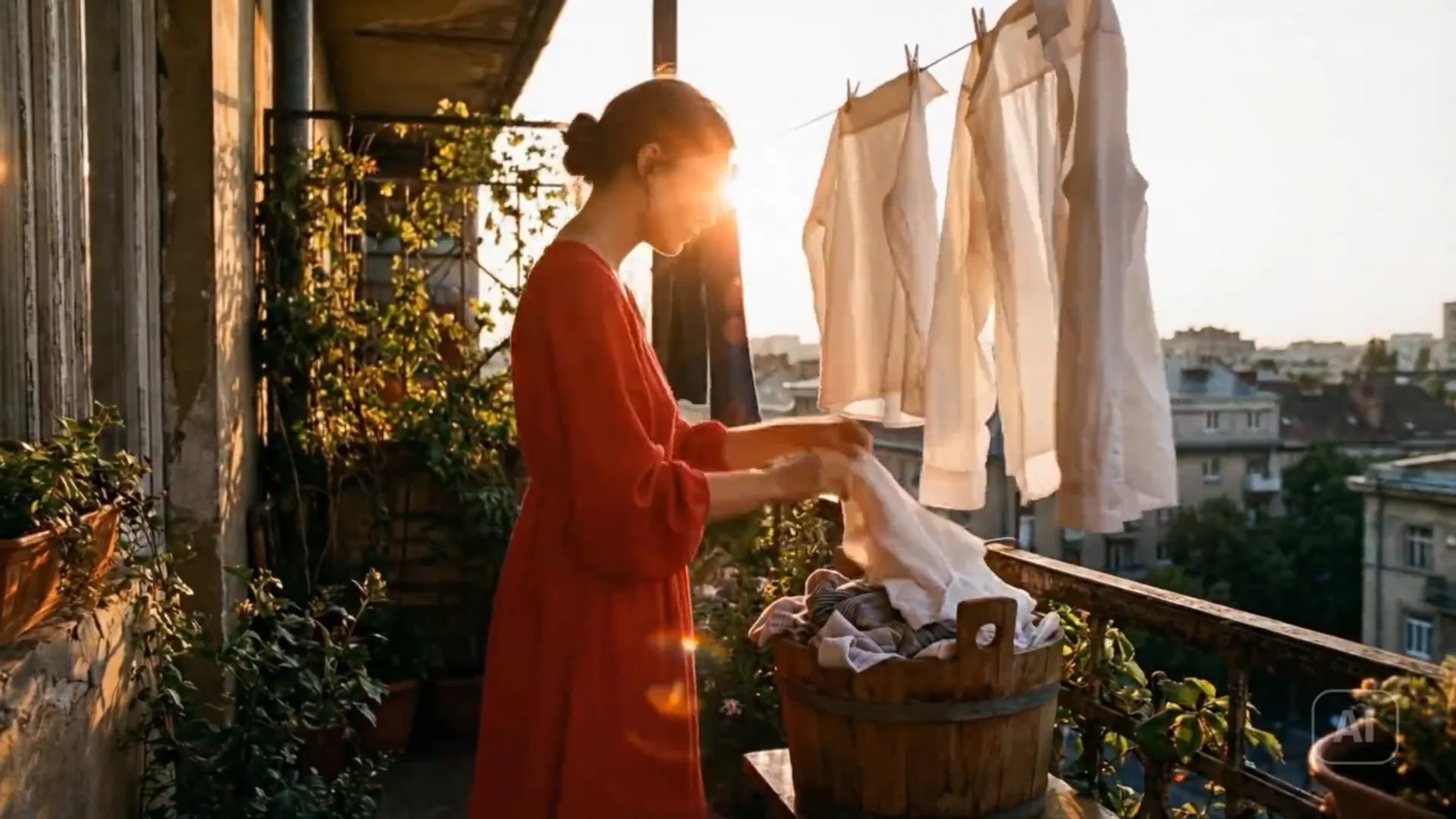
Made for every creative workflow
Who creates with ZMS?
One place to generate, compare, organize, and continue the work. For creative directorsCompare model outputs without rebuilding the brief for every pass.
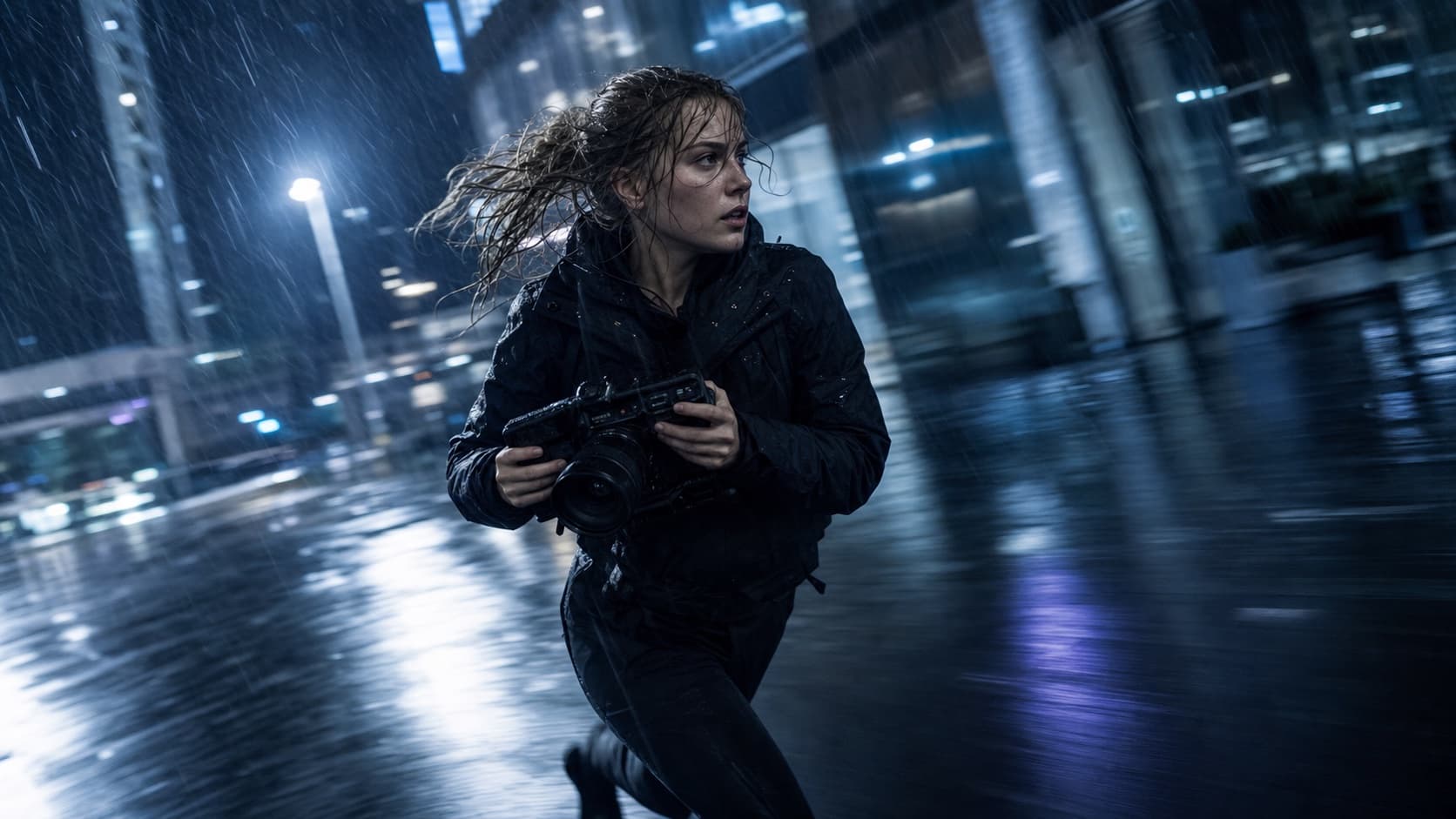 For filmmakersMove from still-image direction into motion while preserving the visual intent.
 For production teamsKeep related campaigns, references, tasks, and approved outputs in one library.
 For independent creatorsExplore a larger range of formats without learning a different interface each time.
 For social teamsTurn one approved look into the vertical, square, and wide cuts a channel calendar needs.
 For brand studiosHold a product, a palette, and a lighting setup steady across a whole campaign.
How it works
How ZMS AI Works
Create AI videos and images in four simple steps.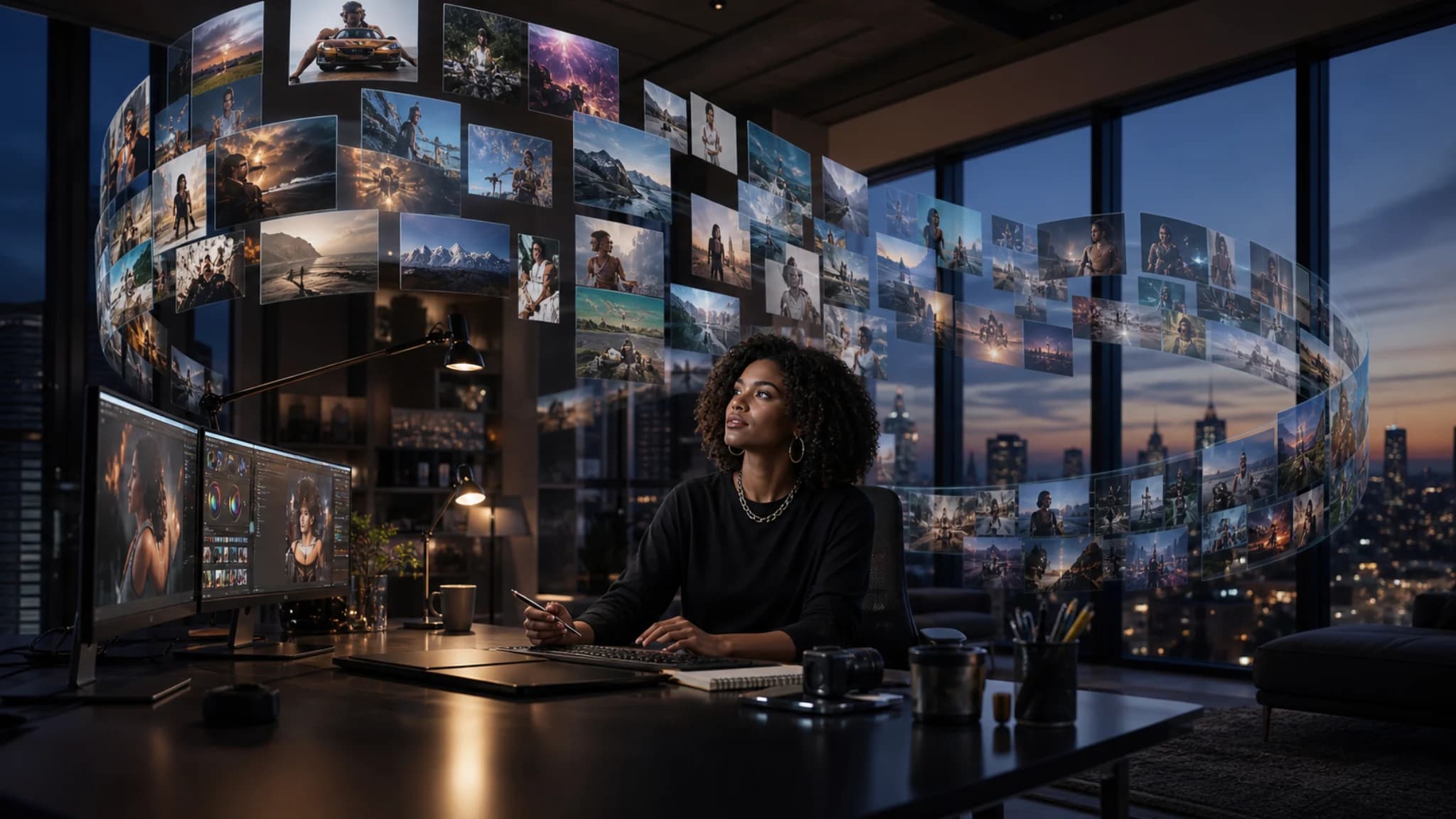
 2
2Select an AI Model
Choose from multiple AI models and find the one that best fits your style, quality, and use case.
 3
3Describe Your Idea
Enter a prompt and customize your settings. For supported workflows, you can also upload an image as your creative starting point.
 4
4Generate & Download
Let ZMS AI bring your idea to life. Preview your result, generate your final content, and download it when you're ready.
Simple one-time pricing
ZMS credits for every model.
Buy credits once, use them at your own pace, and add more only when the work calls for it.Secure checkoutCredits never expireOne shared model balance
A flexible starting balance for connected ZMS AI image and video models.
$10 one-time1,000 credits$0.0100 per credit
What's included
- Use with connected AI image and video tools
- One shared balance across connected models
- Generated works retained for 6 months
- One-time payment with no auto-renewal
More room for regular image and video projects, iterations, and experiments.
$30 one-time3,500 credits$0.0086 per credit
What's included
- Use with connected AI image and video tools
- 500 more credits than three Basic packs
- Generated works retained for 6 months
- One-time payment with no auto-renewal
The strongest value for higher-volume image and video production workflows.
$99 one-time14,000 credits$0.0071 per credit
What's included
- Use with connected AI image and video tools
- Lowest cost per credit
- Generated works retained for 6 months
- One-time payment with no auto-renewal
Common questions.
What ZMS AI covers, which models are available, how references work, and how credits are charged. Model pages list the controls and the estimated cost for every task before you run it.
Read the ZMS AI tutorialsWhat is ZMS AI?
ZMS AI is an AI creative suite for producing images and videos from text prompts and visual references. It brings multiple public model families into consistent image and video workspaces.
Can ZMS AI generate both images and videos?
Yes. ZMS AI includes focused image-generation and video-generation paths. Available controls depend on the selected model and can include references, aspect ratio, resolution, duration, and other supported settings.
Which AI models can I explore?
The current model library includes Seedance, Veo, Wan, GPT Image, and Nano Banana workspaces. Model availability and supported controls are shown before generation.
Can I use my own reference images?
Models that support reference-led creation provide an upload control. References can guide composition, visual identity, materials, or the starting frame for an image-to-video task.
How do ZMS AI credits work?
Generation costs depend on the selected model and settings. ZMS AI uses one-time credit packs, and purchased credits do not expire. The estimated cost is shown before generation begins.
How long are generated works kept?
Generated works are retained in My Creations for up to six months unless they are removed sooner through available account controls or a valid request.